Tech
How Modern Email Validation Really Works: A Clear Look Inside Email Verification Systems
Published
5 hours agoon
By
IQnewswire
Email is still one of the most powerful digital channels—but it’s also fragile. One bad list upload can quietly destroy sender reputation, inflate bounce rates, and make even legitimate campaigns invisible. This is why tools like Email Verify have become a foundational layer in modern email operations, not an optional add-on.
At first glance, email verification sounds simple: check whether an address exists or not. In reality, the process is a carefully sequenced system of technical checks, risk signals, and confidence modeling. Understanding how it actually works helps you use it correctly—and trust the results when decisions matter.
This article breaks down how email verification operates in practice, following the real workflow used by EmailVerify.ai, without speculation or shortcuts.
Why Email Verification Exists in the First Place
Before diving into mechanics, it’s important to understand the problem email verification is solving. Invalid email addresses are not just “dead data.” They actively damage delivery performance.
Most email systems punish senders for repeated delivery failures. Hard bounces, spam traps, and disposable addresses all send negative signals to receiving servers. Over time, this reduces inbox placement—even for valid recipients.
Email verification exists to intercept those risks before any message is sent.
The Hidden Cost of Unverified Email Lists
Unverified lists often come from:
- Old CRM exports
- User-generated input forms
- Purchased or scraped data
- Event registrations or gated content
Each source introduces uncertainty. Verification systems are designed to measure that uncertainty before it turns into damage.
Why “Format Check” Alone Is Not Enough
An address like name@company.com can be perfectly formatted—and still completely unreachable. Real verification must go deeper than syntax.
The Core Logic Behind Email Verification
EmailVerify.ai uses a layered verification approach. Each layer answers a different question about the email address, and no single check is treated as decisive on its own.
This layered design is what makes the results actionable rather than binary guesses.
From Static Rules to Live Server Signals
Modern verification blends:
- Rule-based validation
- DNS and infrastructure checks
- Live mail server communication
- Risk classification databases
Each stage filters out a different category of bad or risky addresses.
Why Layered Validation Matters
Email servers behave differently depending on configuration, privacy settings, and anti-abuse policies. Relying on one signal leads to false positives or false negatives. Layering reduces uncertainty.
What Happens When an Email Is Submitted for Verification
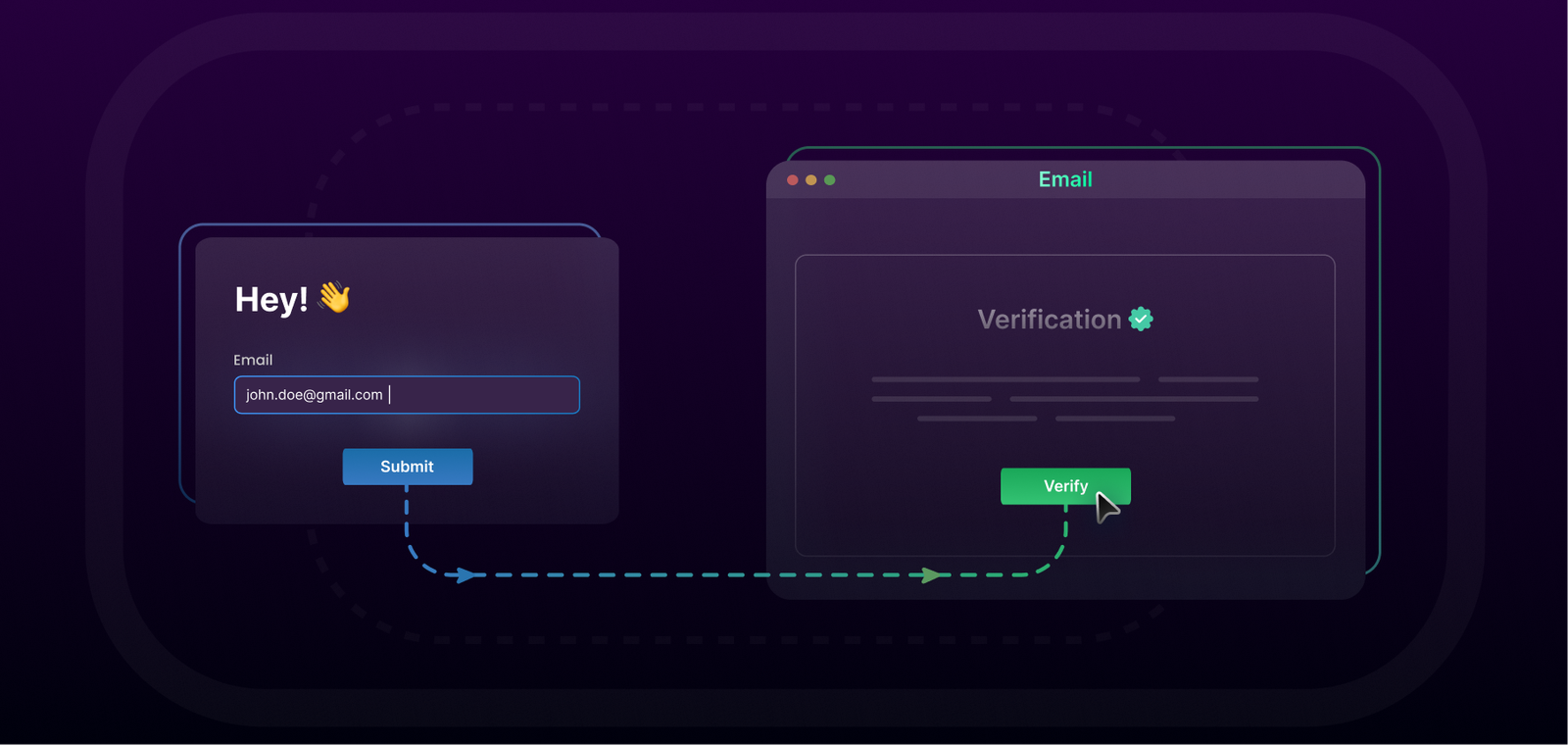
When an email address enters EmailVerify.ai—whether through the web interface or API—it does not jump straight into server probing. The system follows a strict order designed to eliminate obvious failures early and reserve deeper checks for addresses that pass initial screening.
Stage-Based Processing, Not Guesswork
Each stage builds on the previous one. If an email fails early, later checks may not even be necessary.
Efficiency Is Part of Accuracy
By filtering aggressively at early stages, the system avoids unnecessary server interactions and reduces the chance of triggering anti-abuse defenses.
The Technical Checks That Power Verification
Understanding the individual checks helps explain why results are often probabilistic rather than absolute.
Syntax and Structure Validation
This is the first and fastest layer.
What This Check Confirms
- Presence of exactly one “@” symbol
- Valid characters in local and domain parts
- Proper domain formatting
This step removes clearly invalid input but makes no assumptions about deliverability.
Domain and DNS Validation
Once syntax passes, the system checks whether the domain itself exists.
Why Domain Validation Is Critical
An email cannot be delivered if the domain has no DNS presence or is misconfigured. This step confirms:
- Domain resolves correctly
- DNS records are accessible
- The domain is not parked or inactive
MX Record Inspection
Mail Exchange (MX) records tell the internet where email for a domain should be delivered.
What MX Checks Reveal
- Whether the domain accepts email at all
- Which servers are responsible for handling mail
- Whether the configuration is valid
Domains without MX records are effectively unreachable for email delivery.
Disposable and Temporary Email Detection
Disposable email addresses are technically valid—but strategically harmful.
Why Disposable Emails Are Flagged
These addresses:
- Are often used for abuse or testing
- Rarely represent real users
- Destroy long-term engagement metrics
EmailVerify.ai compares domains against known disposable email providers to identify this risk category.
SMTP-Level Verification
This is the most sensitive stage and the one most people misunderstand.
What SMTP Verification Actually Does
The system opens a connection to the receiving mail server and simulates a delivery handshake—without sending a real email.
This can reveal:
- Whether the mailbox exists
- Whether the server accepts messages for that address
- Whether the server blocks verification attempts
Why Results Are Sometimes “Unknown”
Some servers intentionally hide mailbox existence to prevent abuse. In these cases, the system records uncertainty rather than forcing a false answer.
How Verification Results Are Interpreted
Verification is not just a pass/fail verdict. EmailVerify.ai aggregates all signals into a structured result.
Result Categories Explained
Each email is classified based on confidence and risk level, such as:
- Valid and deliverable
- Invalid or unreachable
- Risky or uncertain
- Disposable or temporary
Confidence Scoring Over Absolutes
Instead of pretending certainty where none exists, the system assigns confidence levels. This allows users to decide how strict they want to be based on their use case.
Using Email Verification in Real Workflows
Verification is most effective when placed correctly in your workflow—not as an afterthought.
Common Integration Points
- Before sending campaigns
- During user registration
- When importing CRM data
- In automated lead pipelines
Different Use Cases, Different Thresholds
A newsletter signup may tolerate more uncertainty than a high-volume cold outreach campaign. Verification results are designed to support those distinctions.
Step-by-Step: How EmailVerify.ai Is Used in Practice
The operational flow of Email Checker is intentionally simple, even though the backend logic is complex.
Step 1: Submit Email Addresses
You begin by entering email addresses for verification, either individually or in batches.
Submission Methods
- Web-based input for manual checks
- API requests for automated systems
Step 2: Automated Multi-Layer Analysis
Once submitted, each email passes through the full validation pipeline.
What Happens Behind the Scenes
Syntax checks, domain validation, MX inspection, disposable detection, and SMTP probing are executed in sequence.
Step 3: Review Verification Results
Results are returned in a structured format suitable for decision-making.
How Results Are Typically Used
Users may remove invalid addresses, flag risky ones, or apply custom rules based on confidence.
Step 4: Apply Results to Your Workflow
The final step is operational—not technical.
Turning Insight Into Action
Clean lists, safer campaigns, improved deliverability, and better data hygiene are the real outcomes of verification.
Why Email Verification Is a Strategic Tool, Not a Utility
Email verification is often treated as a checkbox. In reality, it shapes how email infrastructure perceives your entire organization.
Long-Term Impact on Sender Reputation
Consistent verification:
- Reduces bounce rates
- Improves inbox placement
- Signals professionalism to receiving servers
Verification as Preventive Maintenance
Just like database indexing or security patching, verification prevents silent degradation over time.
Final Thoughts: Understanding Builds Trust
Email verification works best when you understand what it can and cannot guarantee. EmailVerify.ai does not promise certainty where the internet provides none—but it offers a disciplined, transparent way to reduce risk before it becomes damage.
When you know how the system operates, you stop treating verification results as mysterious outputs and start using them as informed signals. That shift alone often makes the difference between email campaigns that struggle—and those that consistently reach the inbox.

Discover Supermaked: The Future of Easy, Modern Grocery Shopping
Wide Golf Shoes: How Fit Impacts Swing Stability and Weight Transfer
How Modern Email Validation Really Works: A Clear Look Inside Email Verification Systems
Understanding What Fair Play Means in Digital Entertainment
The Smart Traveller’s Guide: Booking Your Bus to Melaka Online
Creating Education That Works for Your Family’s Lifestyle
What That Burning Smell From Your Engine Could Mean
Is the Open Banking System a Reliable Alternative to Credit Scores?
How Climate Extremes Are Forcing a Redesign of Runner Support Strategies
Changing Attitudes Toward Planning Ahead
Revolutionizing Healthcare: The Emergence of AI-Driven Analytics
Carol Kirkwood’s Journey: Her Real Age, Husband, Career, and More
How Machine Learning and AI are Redefining the Future?
Aliza Barber: Meet Lance Barber’s Wife, Age, Life, Profile, Career and Net Worth
Evelyn Melendez: Jordan Knight’s Wife Bio, Marriage, Family, Career and Net Worth
Ilan Tobianah Biography: Family, Marriage, Lifestyle, Career and Net Worth
Body Positivity and Bodycon: Embrace Your Shape with Homecoming Dresses
King Von’s Autopsy Report: The Truth Behind the Tragic Death
Who was Alice Marrow? Everything to Know About Ice-T’s and His Mother
Meet Otelia Cox: The Supportive Wife of Tony Cox – A True Fairy Tale Romance
Discover Supermaked: The Future of Easy, Modern Grocery Shopping
Wide Golf Shoes: How Fit Impacts Swing Stability and Weight Transfer
How Modern Email Validation Really Works: A Clear Look Inside Email Verification Systems

Understanding What Fair Play Means in Digital Entertainment
The Smart Traveller’s Guide: Booking Your Bus to Melaka Online
Creating Education That Works for Your Family’s Lifestyle
What That Burning Smell From Your Engine Could Mean
Is the Open Banking System a Reliable Alternative to Credit Scores?
How Climate Extremes Are Forcing a Redesign of Runner Support Strategies
Changing Attitudes Toward Planning Ahead
Category
Trending
-
Health2 years agoRevolutionizing Healthcare: The Emergence of AI-Driven Analytics
-
News6 months agoCarol Kirkwood’s Journey: Her Real Age, Husband, Career, and More
-
Technology2 years agoHow Machine Learning and AI are Redefining the Future?
-
Celebrity2 years agoAliza Barber: Meet Lance Barber’s Wife, Age, Life, Profile, Career and Net Worth